Arabic UX
Arabic onboarding UX: more than mirroring a screen
Review direction, mixed-language inputs, form recovery and the first valuable action in your Arabic product journey.
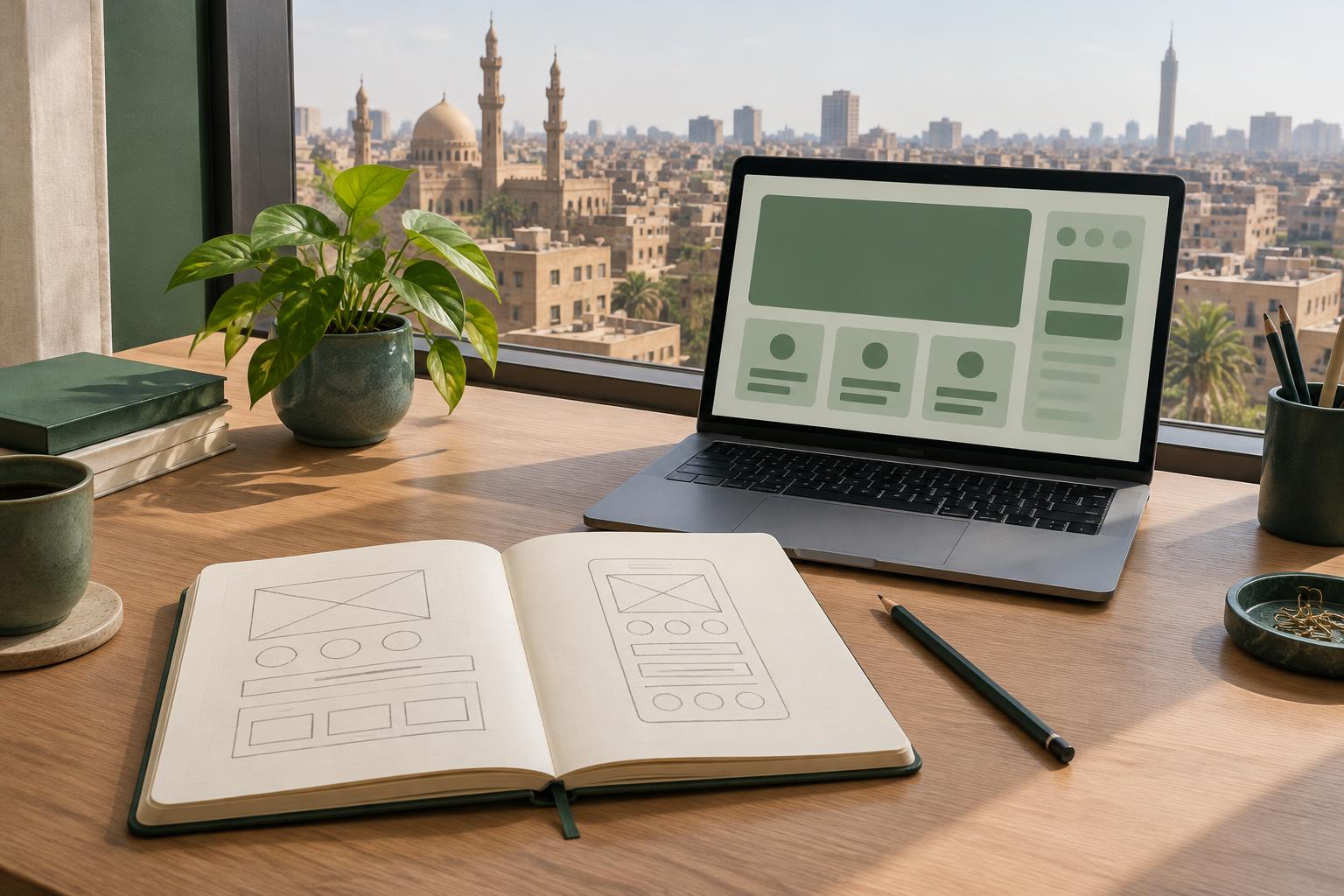
An Arabic onboarding flow should help people reach a useful result, not merely reproduce an English screen from right to left. Define that result before reviewing the interface: completing a profile, creating a first order or understanding the next step. These are examples, not universal activation metrics.
Set language and direction separately
Language identifies the content; direction controls its reading flow. Use the appropriate language tag and RTL direction for Arabic content. Review navigation and progress in context. Do not automatically mirror brand marks, photographs or every icon: an arrow that means “next” and a symbol with a fixed real-world meaning require different decisions.
Test mixed-language details
Email addresses, URLs, product codes and Latin names can appear inside Arabic text. Check them with realistic values, punctuation and long strings. W3C guidance explains how direction and bidirectional markup affect their display. Keep labels readable and ensure a copied identifier preserves its actual value. Let the product’s audience and requirements guide local date and number formats.
Make forms forgiving
Explain what information is needed and why. Keep labels visible while people type; do not rely on placeholder text alone. After an error, preserve valid entries and identify the field that needs attention. Test keyboard focus, error descriptions, text resizing and narrow screens. A field that looks aligned can still be difficult to complete.
Run one realistic task
Give Arabic-speaking participants a goal without telling them where to click. Observe where they pause, what they expect and whether they finish. Ask what they believe happened after submission. Test with people from the market you intend to serve; one participant or one locale cannot represent all Arabic-speaking users.
Prioritize comprehension before decoration
Fix unclear choices, misleading feedback and blocked tasks first. Compare the Arabic and English paths by the outcome they enable, not by pixel symmetry. Keep a short issue log: observed problem, affected step, proposed change and retest result. Revisit the whole journey after changing copy, because a clearer label can change how the next screen is interpreted.
Sources and next step
W3C internationalization quick tips: https://www.w3.org/International/quicktips/ W3C guidance on right-to-left and bidirectional content: https://www.w3.org/TR/2009/NOTE-i18n-html-tech-bidi-20090908/ NN/g on differences in international usability: https://www.nngroup.com/articles/international-usability-details-differ/
Bring your first-use flow and one task users struggle to complete to a UX consultation. Review the journey in both languages before choosing a redesign.