Arabic UX
An Arabic-first UX checklist for MENA products
Translation is not localisation. Use these checks before launching an Arabic product experience.
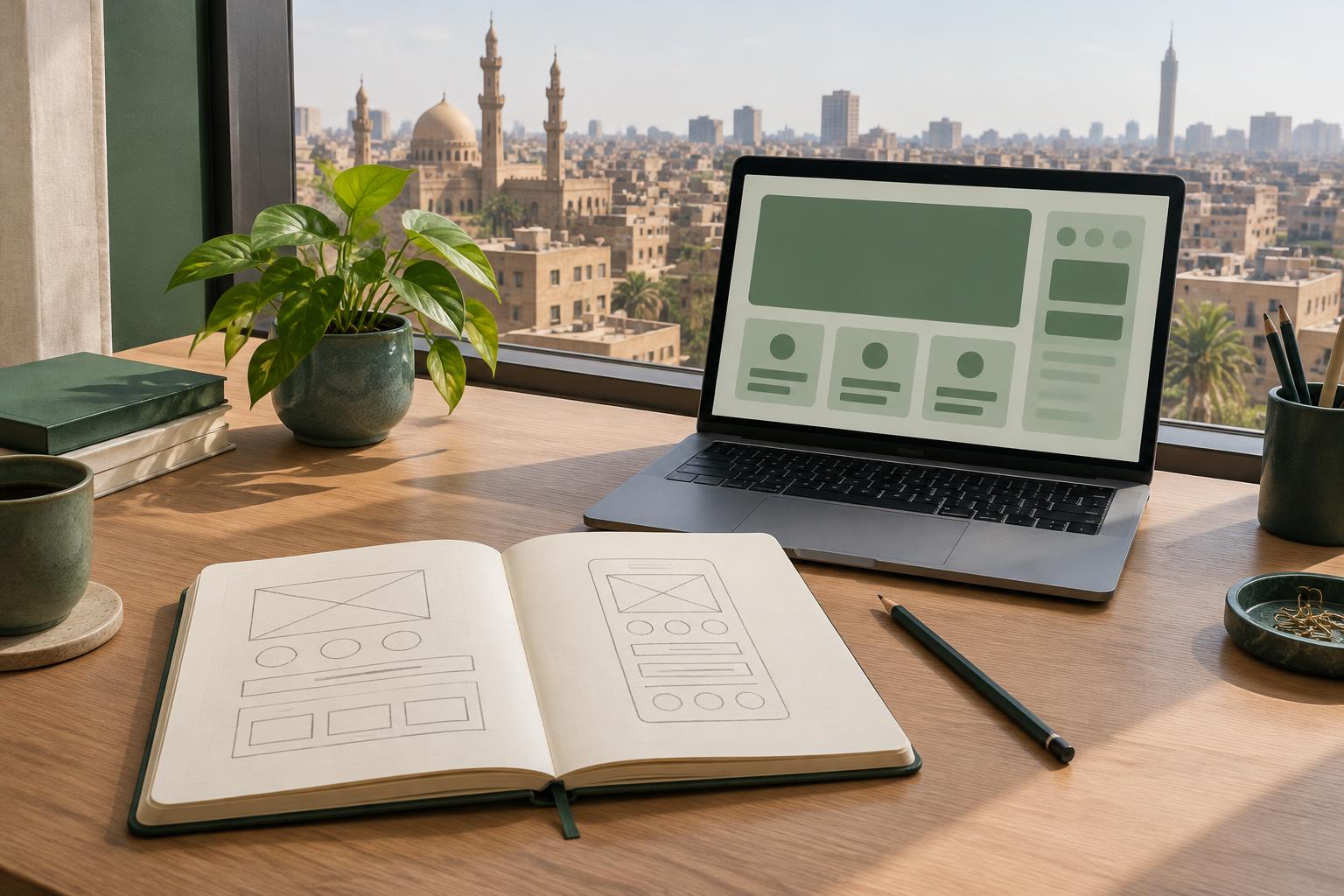
Start with Arabic
Design key screens in Arabic before polishing English. This exposes longer labels, right-to-left flow and missing context early.
Mirror direction, not meaning
Navigation, progress and directional icons should mirror. Media controls, charts and logos need case-by-case decisions.
Test with real people
Ask Arabic-speaking users to complete one important task. Watch where they hesitate, then fix the copy and flow together.